HTML, CSS and Javascript.

You may have read that I develop mobile applications – Android and Flutter mostly but the world of mobile development has changed considerably since I started and I must confess to have been a bit slow to keep up and there always seems to be something else that I need to learn to get me onto the next step – does that sound familiar? I was having a conversation with my son, who is an eminent software developer of some repute, about my progress (or lack of it!) and he said to me that I should be heading in the direction of creating web-apps; many mobile apps were “web-apps”. I was trying to get my Paediatric Medical app to fly and was having difficulty getting through getting it onto the “Play Store” – more about that another time – so I began to look at the merits of his suggestion and how much easier it would be to create a simple Android or Flutter app and then link to a server or cloud space that I maintain and let a web page that had functionality built in utilising Javascript.

I decided to get stuck into the Javascript bit first so picked up a book called “A Smarter Way To Learn Javascript” by Mark Myers – basically, 10 minute chapters followed by Free interactive exercises to make it stick – what’s not to like – experiental learning. The first chapter advised to get a grounding in HTML and CSS first, so I turned HTML, CSS and Javascript in Easy Steps.
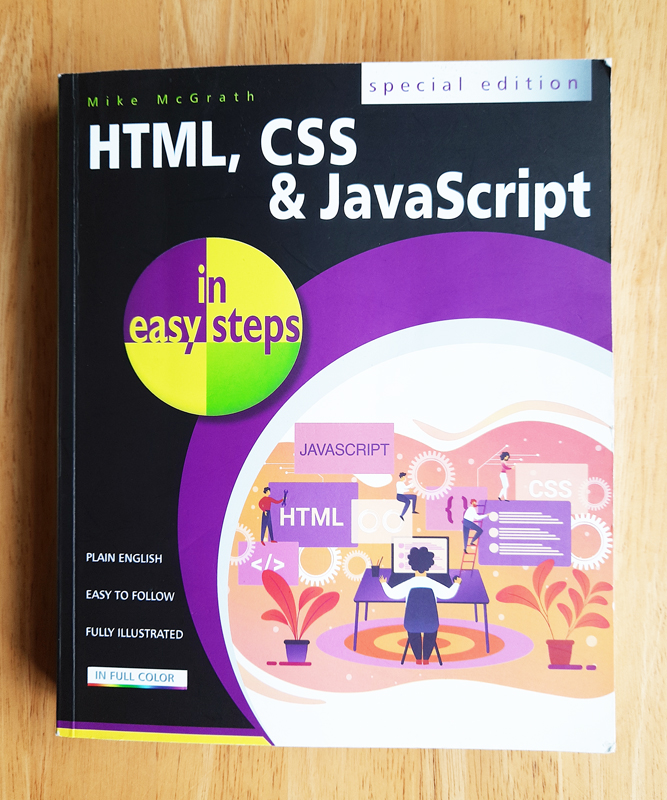
It is a bit of a rarity, it would seem – more common are individual books on HTML or CSS or Javascript – mine was a “special edition”. After reading the book and going through the many interesting exercises, I decided to create a simple games app – free at the point of use which could be run as a stand-alone web page or as a mobile app with an Android/iOS or Flutter app with links to my server/cloud presence with the web page hosted on it. Eventually, it would be monetarised with adverts through Google.

My first solo project is Fun Quest:-
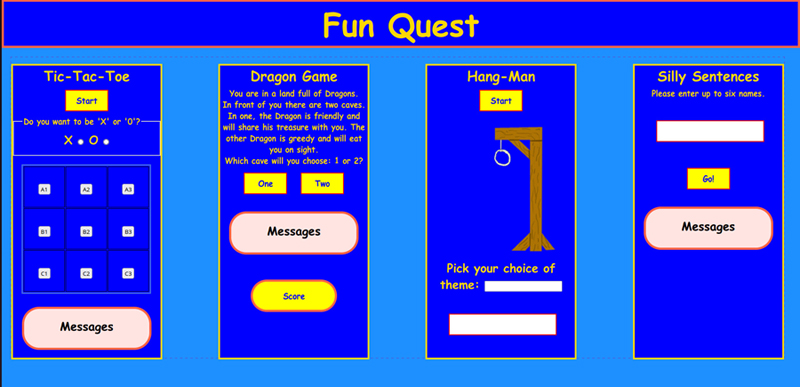
This is the start. I am just mapping out how I want it to look at the moment and even that will need a lot of styling. I have started to add some interactivity to it – all of the buttons are clickable although, they don’t do anything but give a speech bubble which I will change for something more useful. The page also adapts depending on whether it is being viewed on a traditional pc or laptop, a tablet or a smaller device such as a mobile phone. The mobile phone view shows the four games as a scroll in a vertical order, one after another.

Starting on this project has lead me to think of other things that could help with compatibility with all devices on the hosting server. More about that in the next post. I’ll see you back here soon, I promise…..

The Illumination Repairs App

I was inspired by the work/volunteering that I had been doing for Illumination Repairs C.I.C. to attempt to create a contact app and I decided to create it in Flutter so that eventually it would work on both Android and iOS without having to write the whole thing twice – there are pros and cons to this approach which I hope to cover in another post.

I opened up Android Studio on my Development Laptop and set to work….

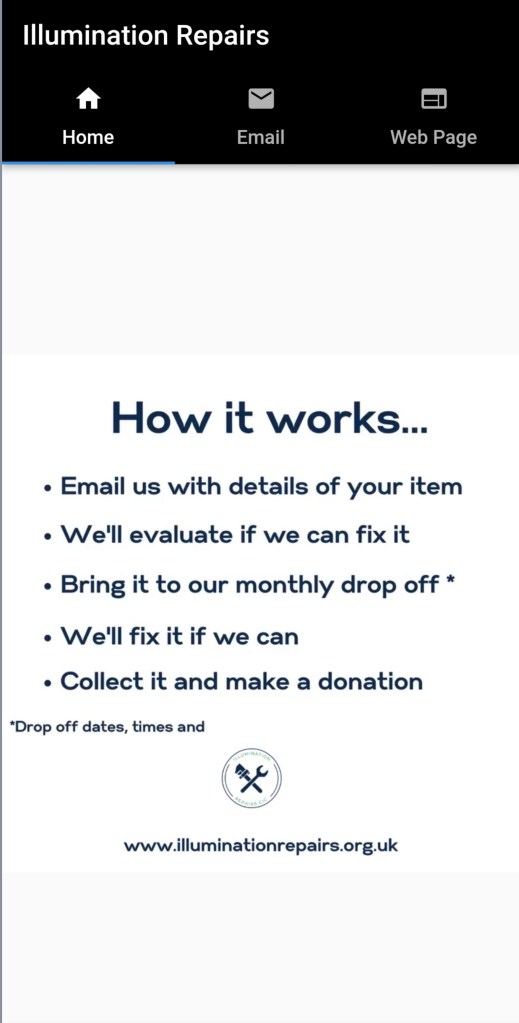
I first of all I discovered how to create three tabs within the AppBar which would enable me to switch between three pages easily. They were “Home”, “Email” and “Website”. I used the artwork from the Illumination Repairs Instagram posts – cheeky I know but I was hoping that the company would benefit from my efforts so it was justified. The colour scheme that they had chosen was black and white so I felt that I had to keep it as it is part of their “brand” – I would have much rather used a more colourful palate.

The “Home Page”

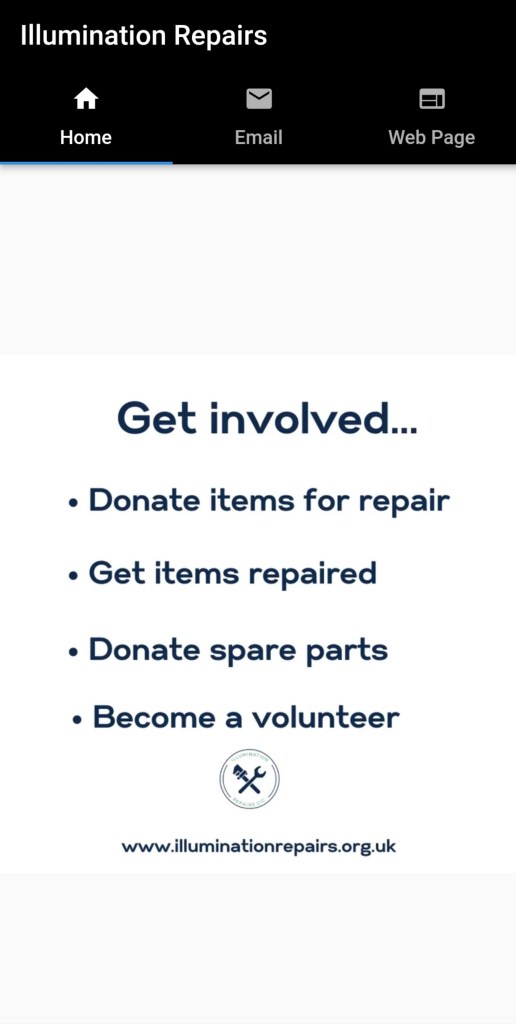
Here you can clearly see the tabs (set on Home). The artwork is the first page of a video presentation which they created to “tell their story”. The next images are some of the “slides” in the video presentation.

It took me a while to work out how to have a mpg4 run in the app but I succeeded. I will leave a link to my GitHub Repo for this app at the end so you can see how I did it rather than explain here.

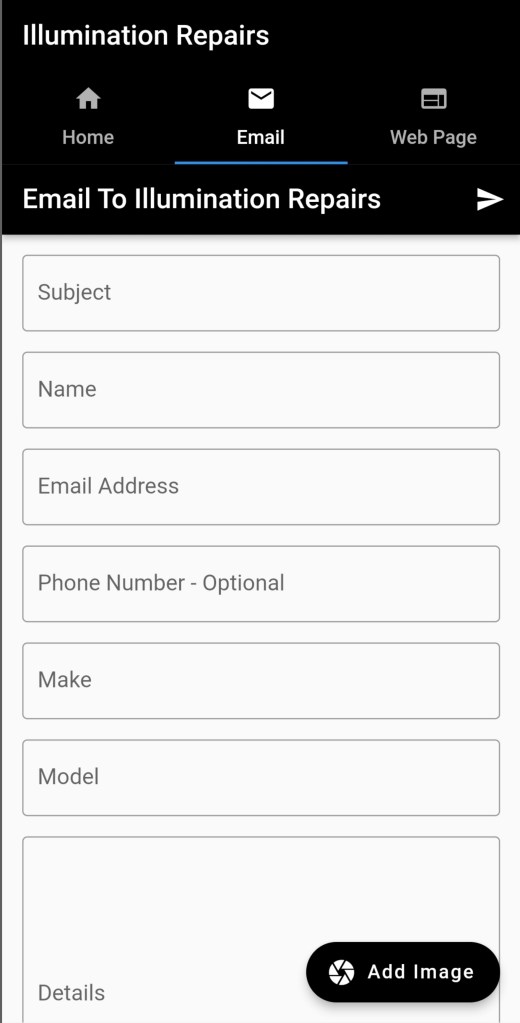
Next is the “Email” tab which leads to an email based enquiry form which sends an email to a designated address.

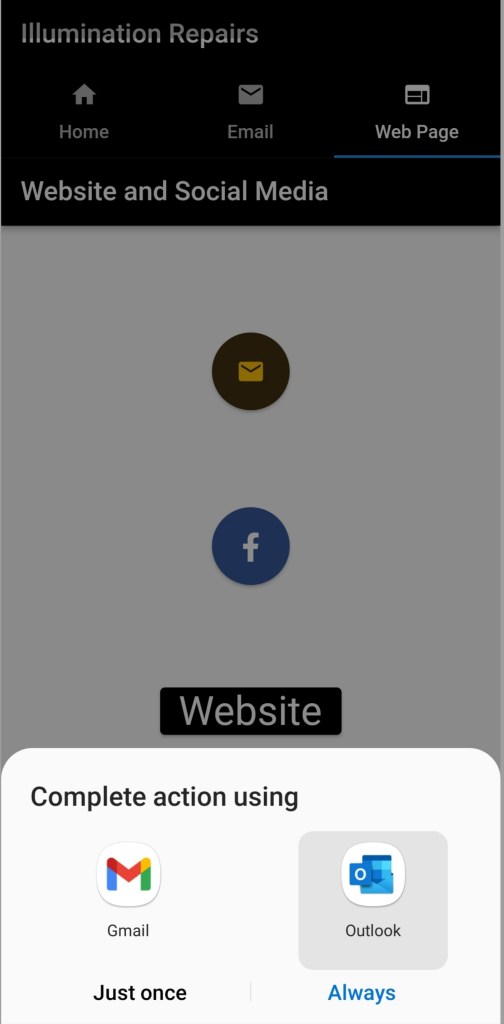
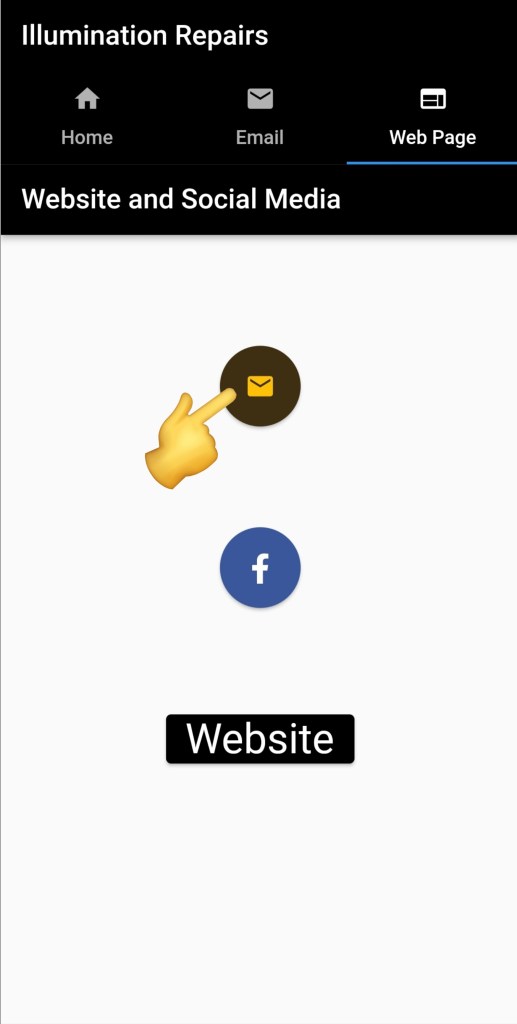
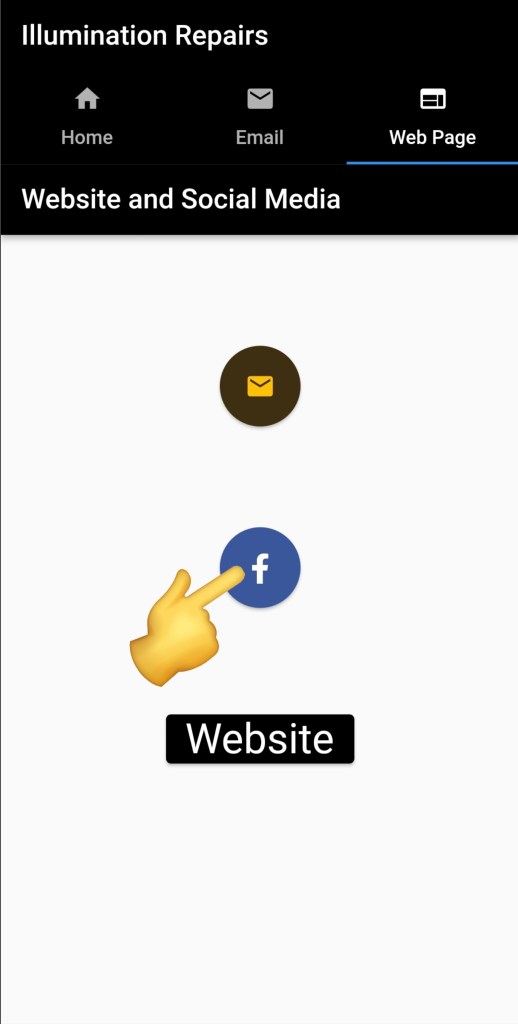
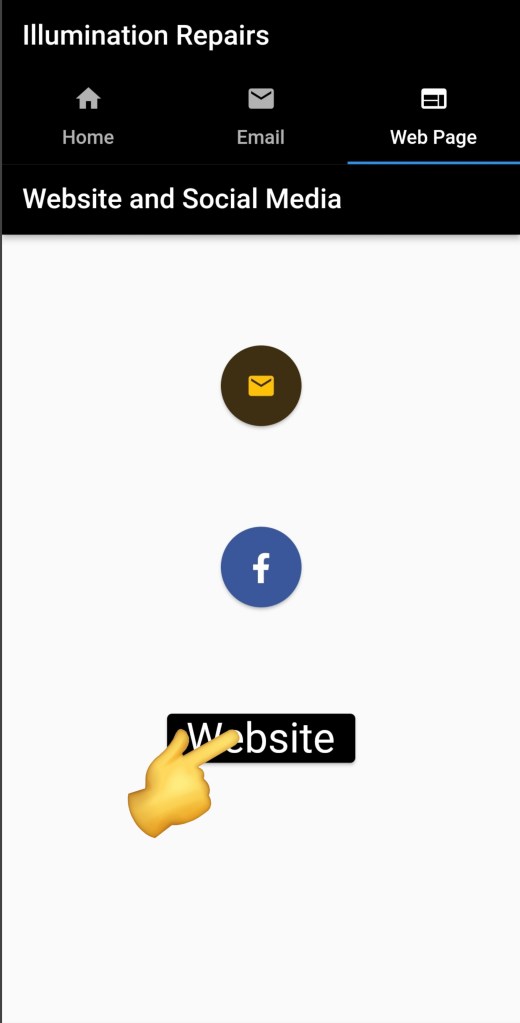
Finally, there is the “Website” tab which has a link to email (blank) but again to a designated email address. I later considered this surplus to requirements because the form on the email tab form was sufficient.

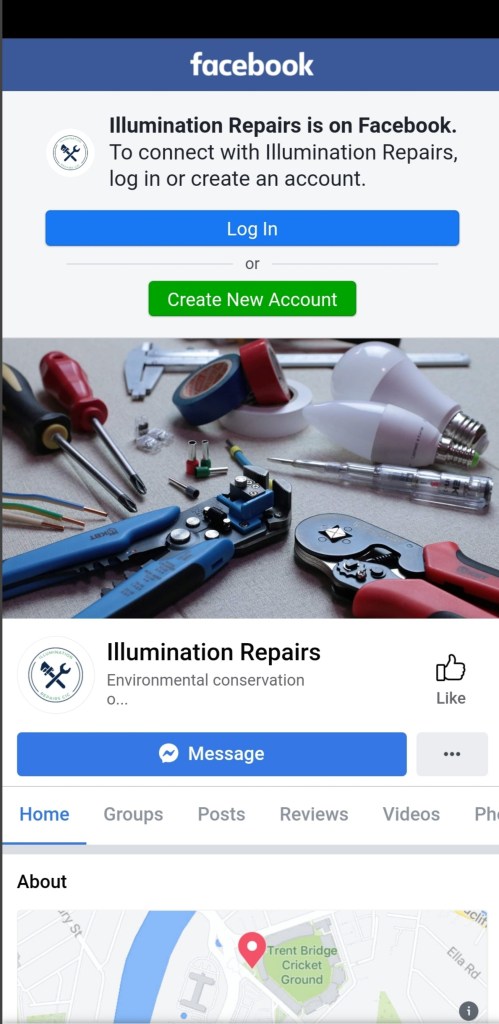
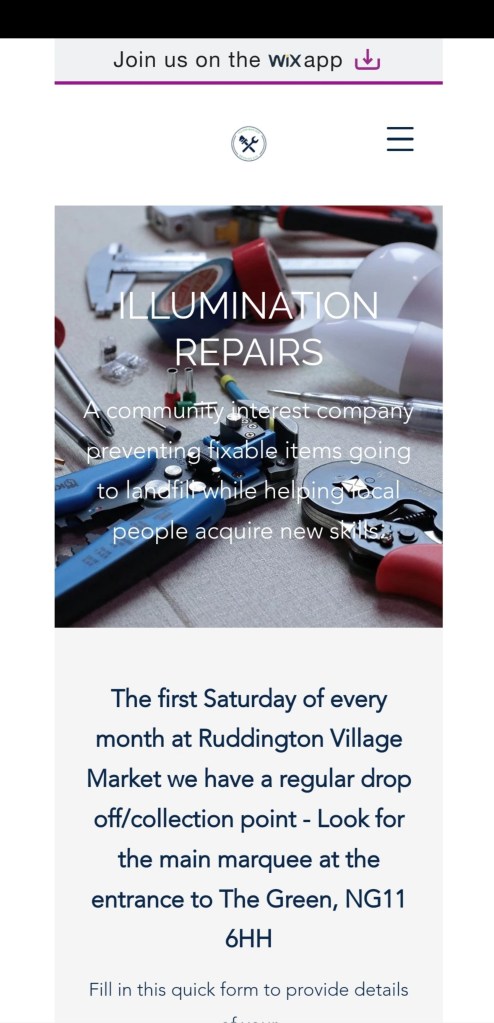
It also has a link to Illumination Repairs Facebook page and the Illumination Repairs website.

The biggest flaw with this app is that for all of the people who approach us for a repair it is a one-off contact – who would download an app just to get one or two things repaired, so it will never go into production in it’s current form. All is not lost – I know a little more about how to embed a video into a Flutter app, I have more of an idea about how to create an email enquiry form in Flutter, I can put links into buttons to webpages and email (the second email code works a bit different to the first) and the links to the webpages including Facebook/Meta can be done several ways – I tried the most common way (according to Stack Overflow) and it didn’t work as it was trying to parse ipv6 addresses and I think that that particular method was best suited to ipv4 addresses and so I found another method much better. I will use what I have learned in other apps and it has opened my horizons to the possibility of other apps.

That link to my GitHub Repository containing the code for this app:-

https://github.com/CullenDevelopment/illumination_repairs

How to calculate the skin area of a child.

It is probably not on your usual list of daily considerations but for some people it is. Those people are very talented doctors who treat children and in particular very small children as this calculation is used to decide what dose of drugs to give to these children and to decide on other very critical treatments.

The calculation is:-

Body Surface area = the square root of ((weight in kilograms x length in centimetres)/3600)

The method is known as the Mosteller method.

The Flutter Version.
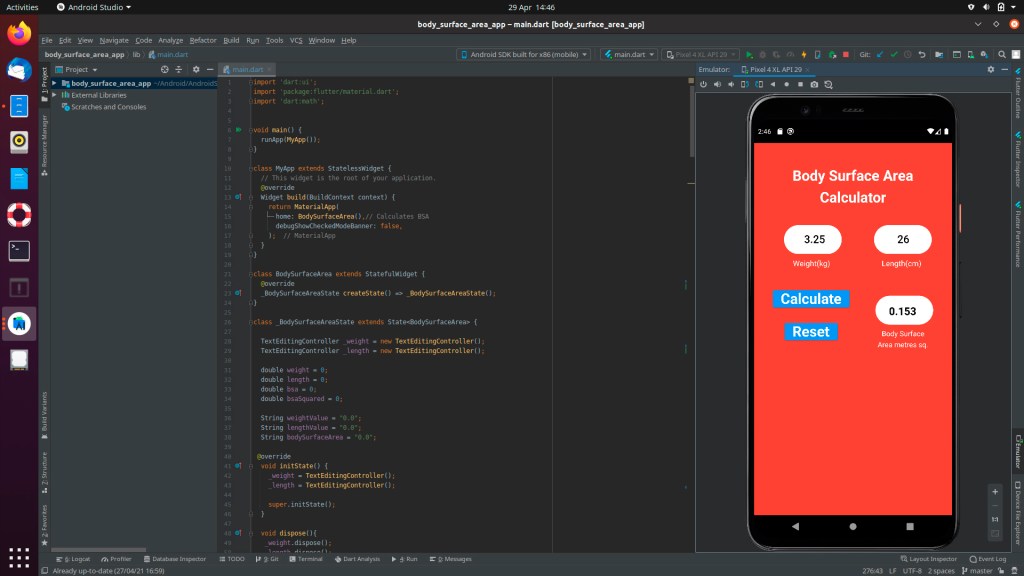
As it appears in the emulator in Android Studio.

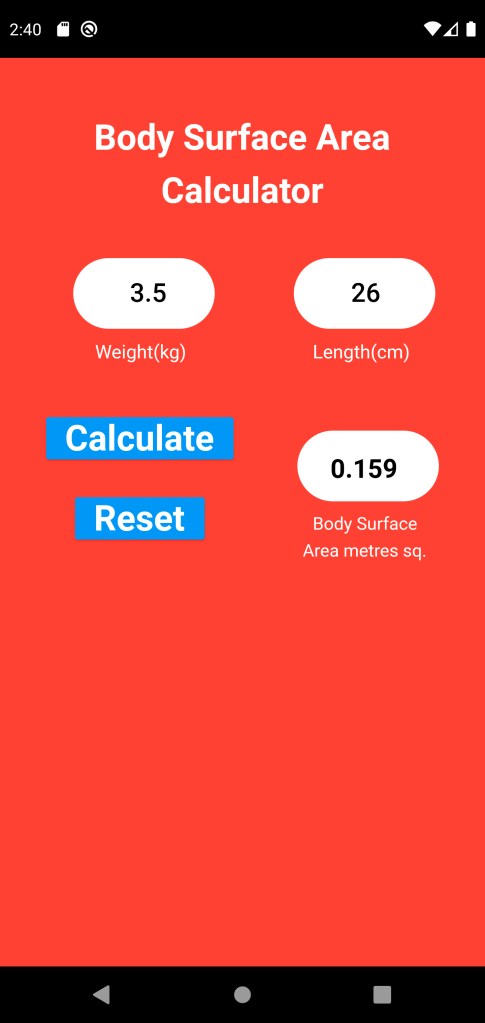
Users type in the weight and length and press ‘Calculate’ then to reset the app press ‘Reset’ – simples…

Again, this app is quite niche but may prove useful if this is your line of work. The final outcome is likely to be that this will be included as part of a suite of specialist applications. In this form I hope to make it available for both Android and iOS. See you soon…